
Today I am experimenting with the news teaser webpart in the various column layouts:
General features
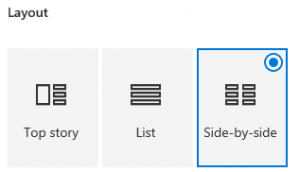
The newsteaser comes in three layout options, top story, list and side-by-side which I will cover all in this post;
One column layout
Top Story
Since the layout changes with the number of news, I show the varoius layouts from one up to five news:


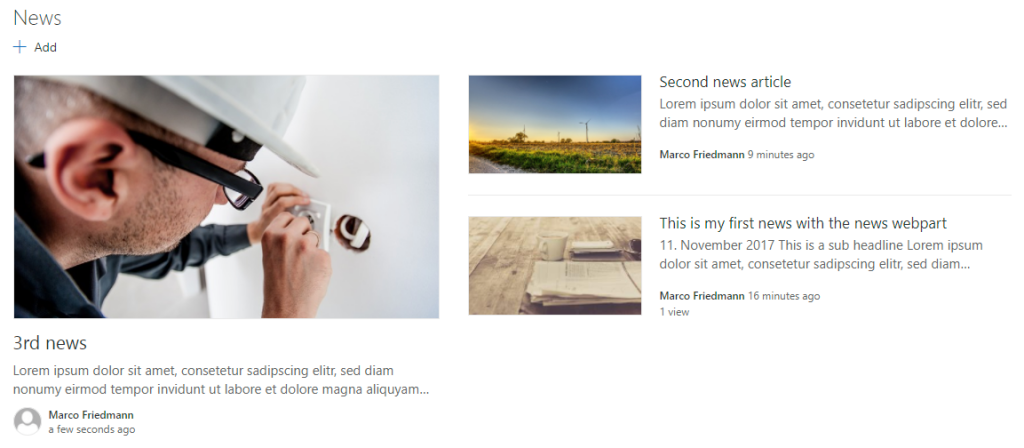
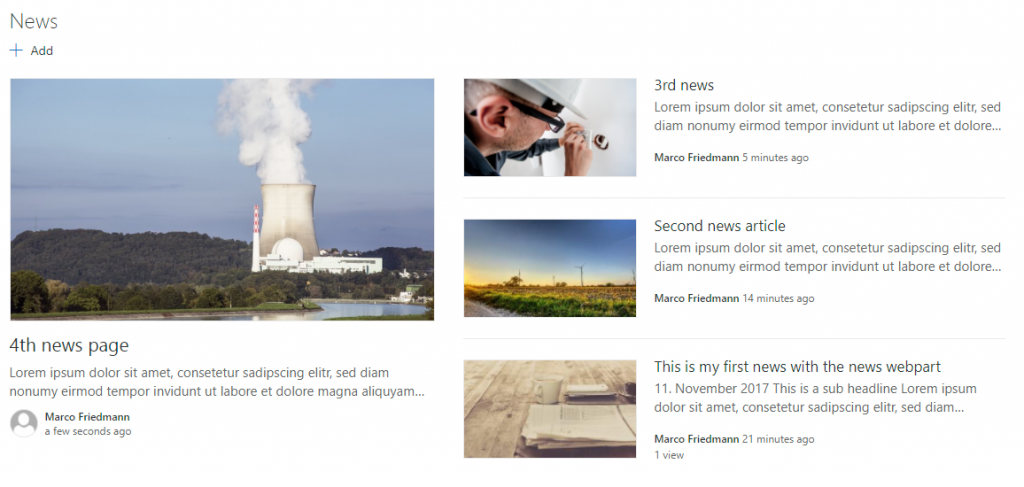
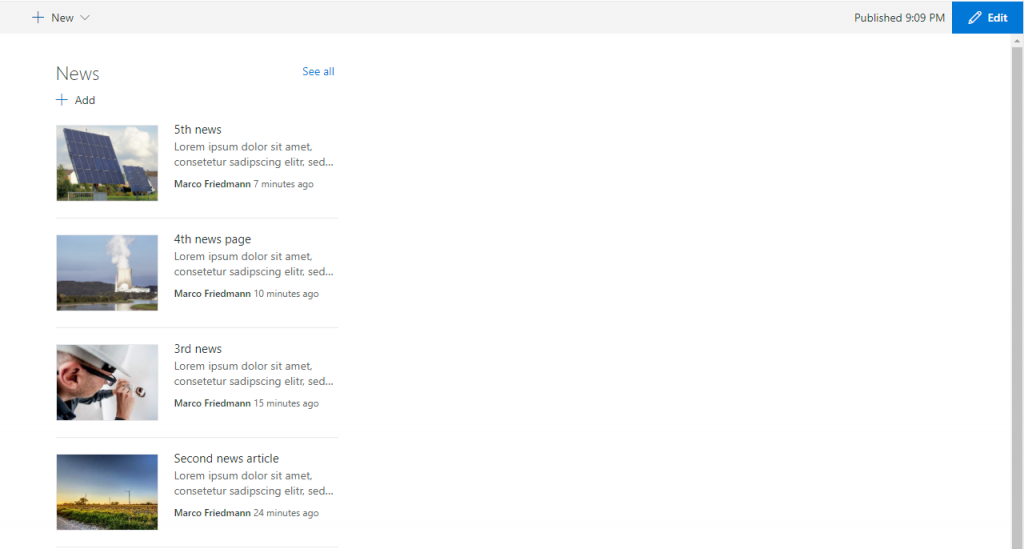
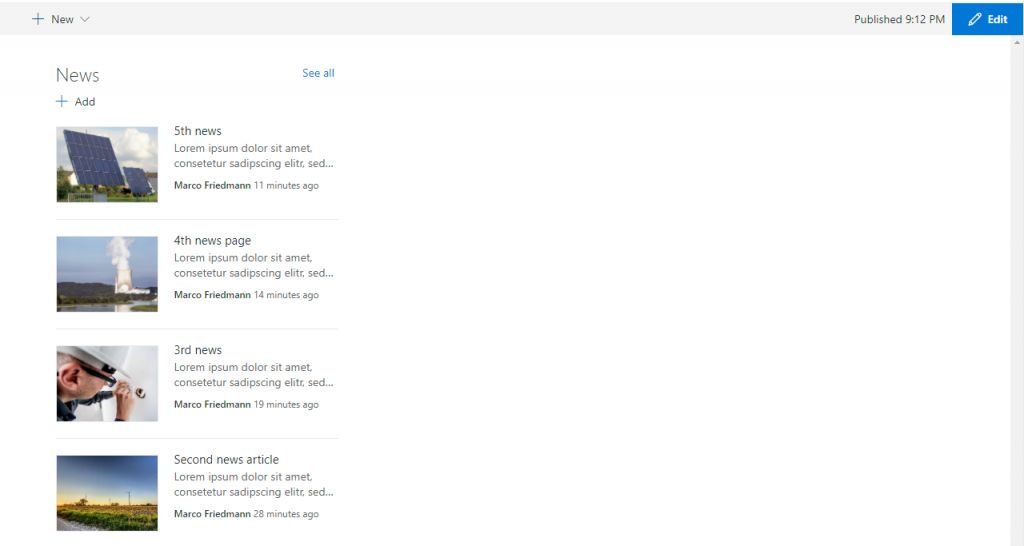
If you have posted more than four news, the oldest news disappear and you can access then via the “See all” link as shown below: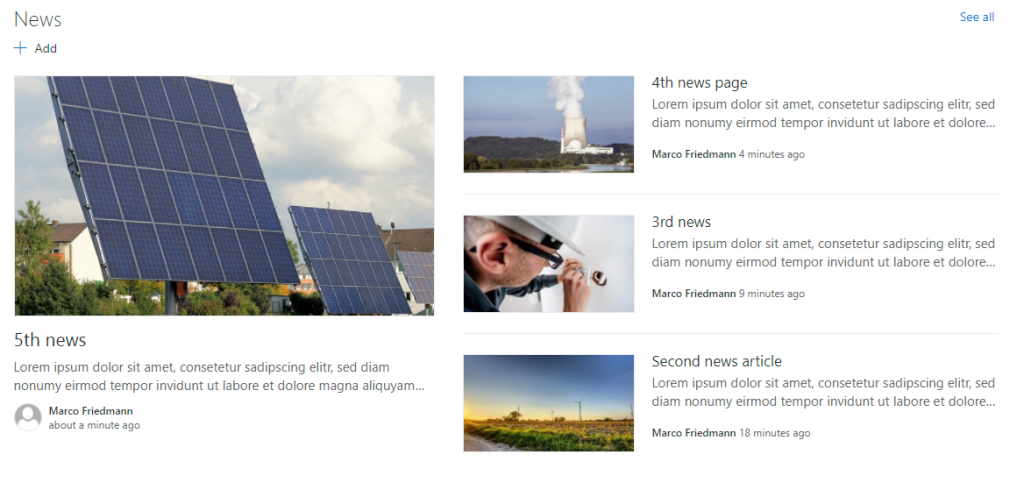
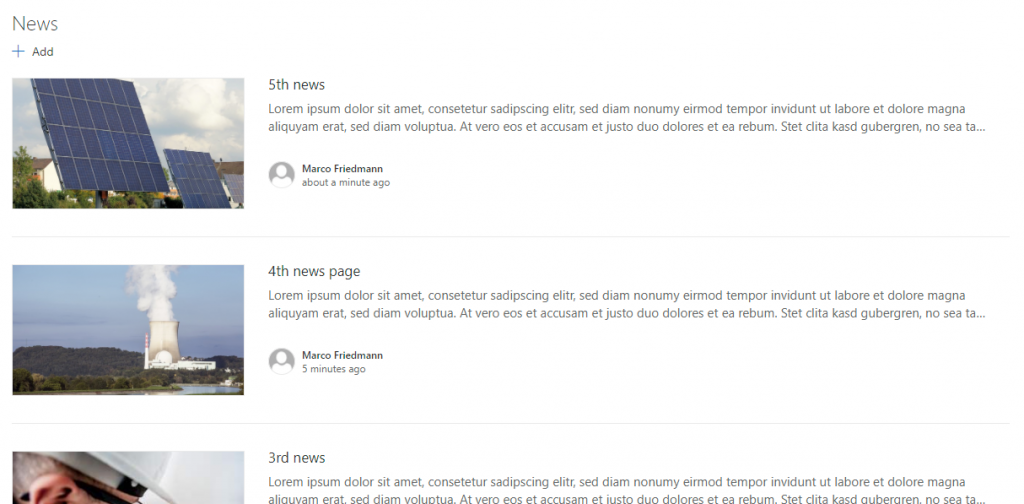
List
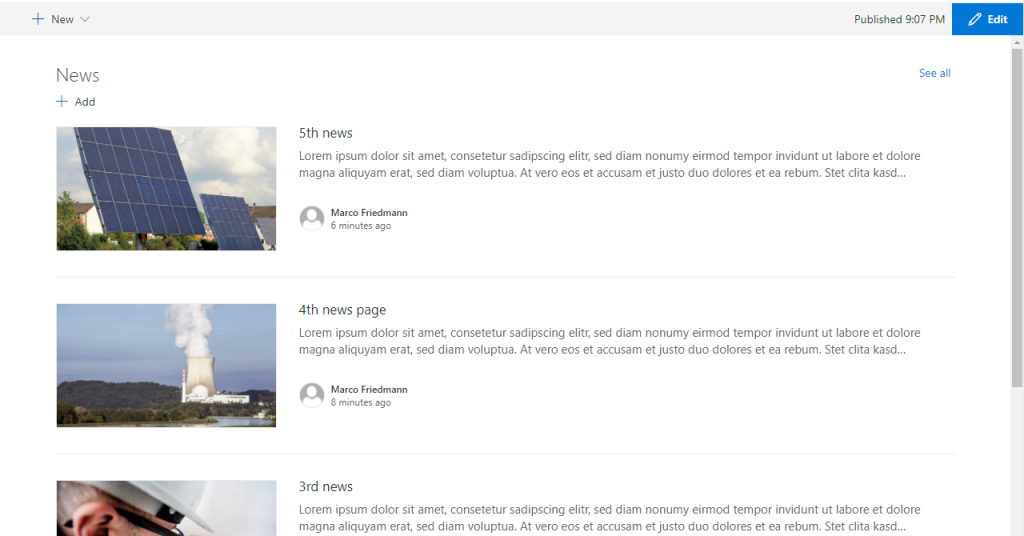
Side-by-side
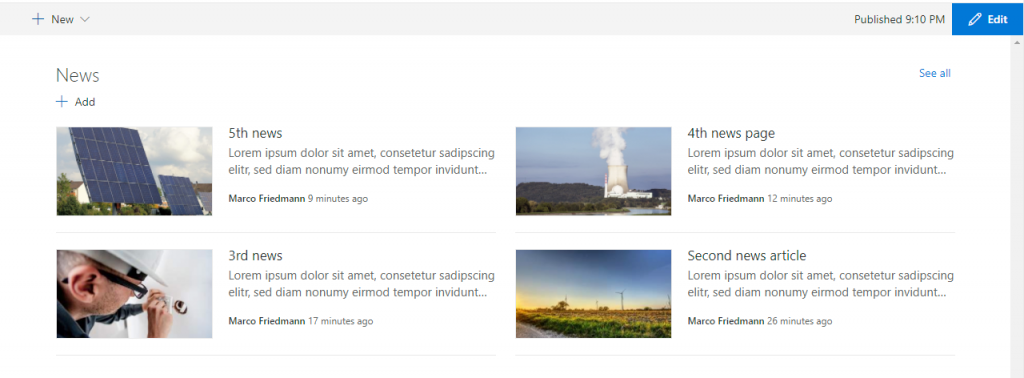
Two column layout
Top Story
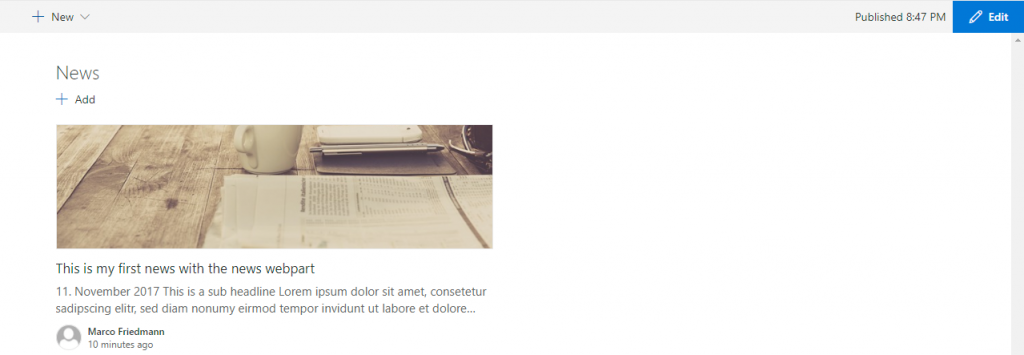
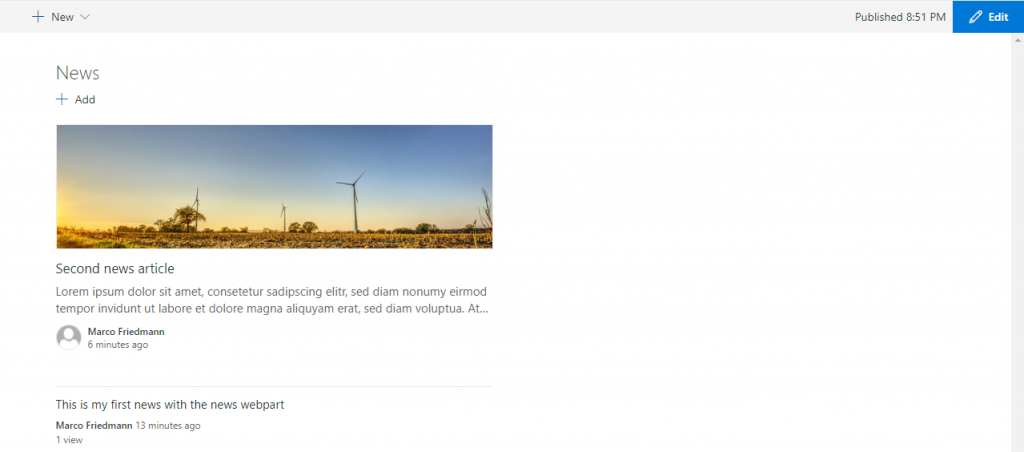
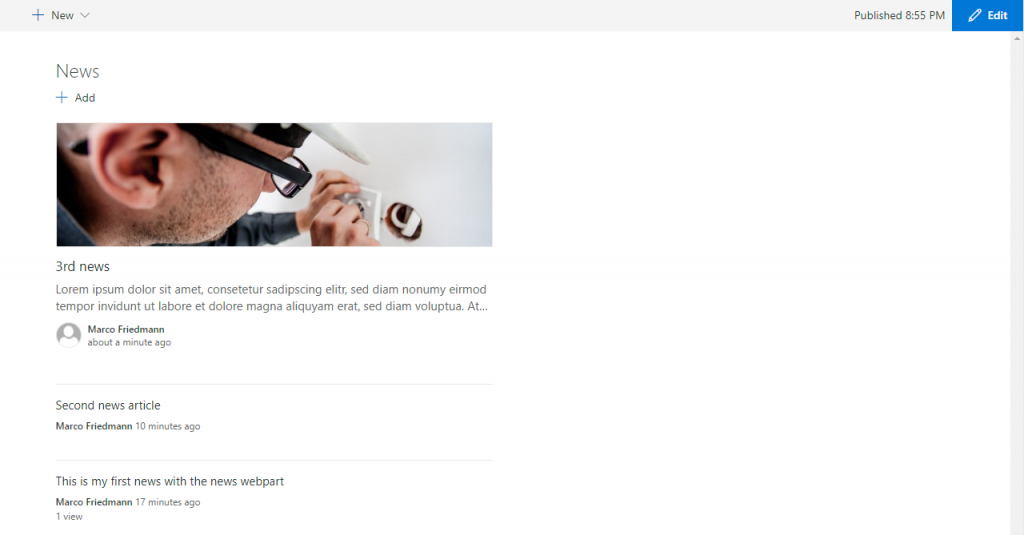
With more than three news, the layout stays the same.
List
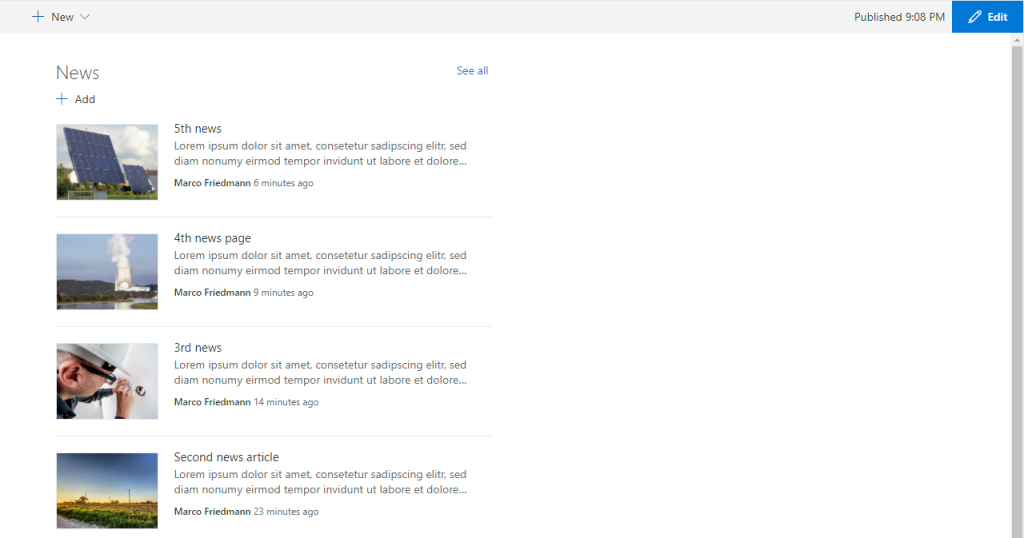
Side-by-Side
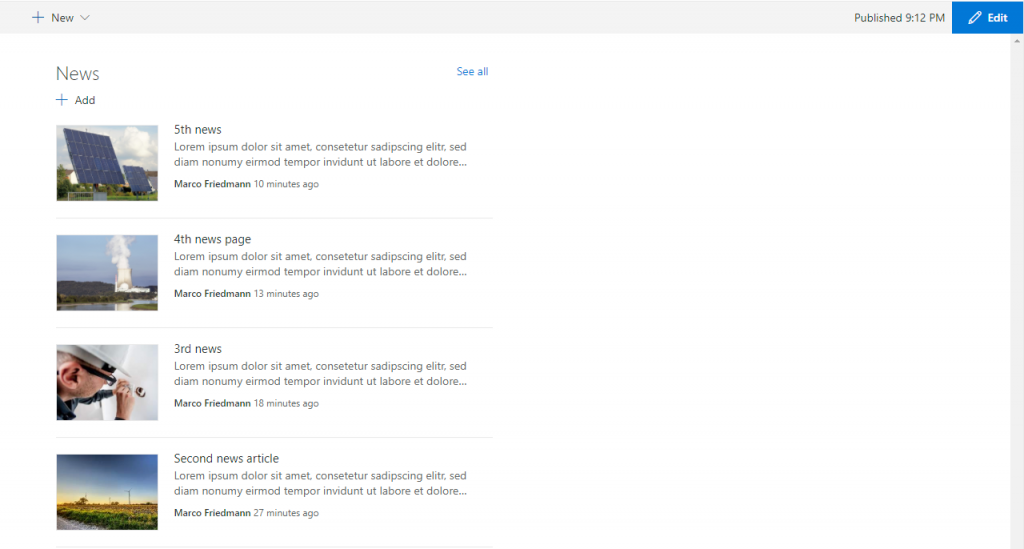
As you can see, list version and side-by-side version render the same in two column vayouts.
Three column layout
Top Story
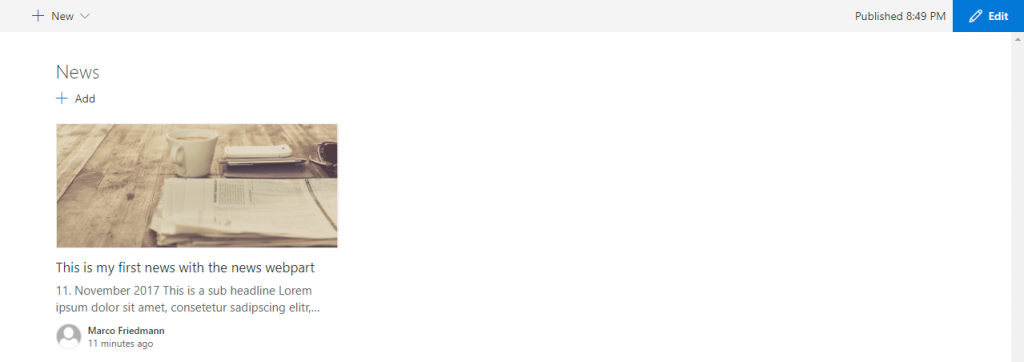
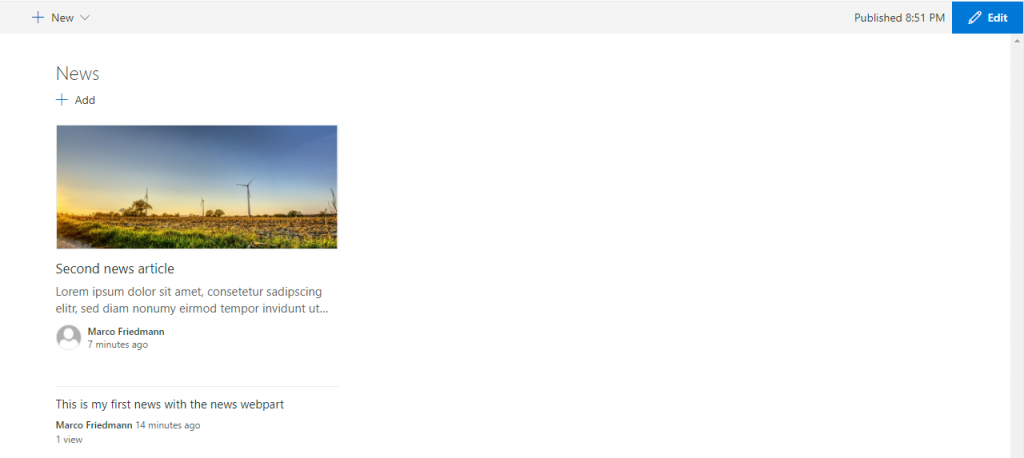
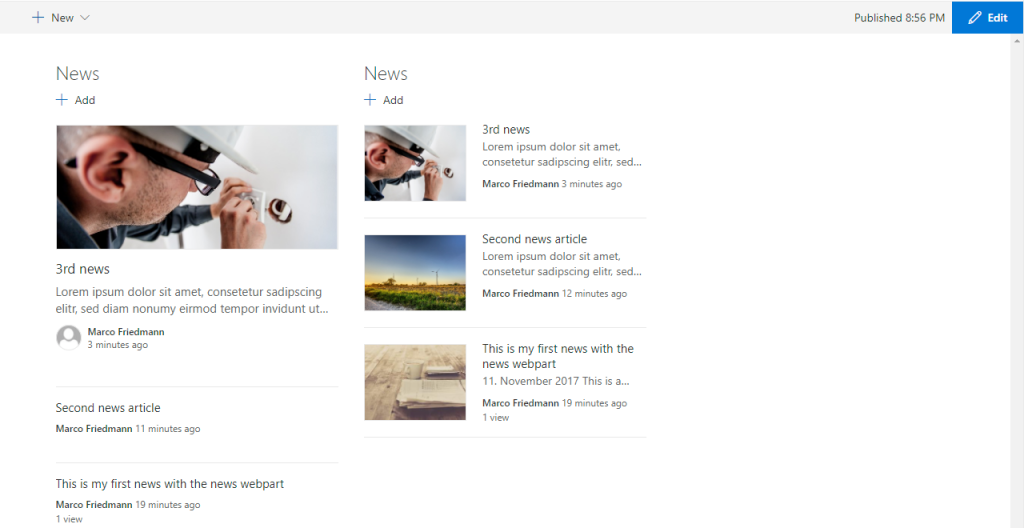
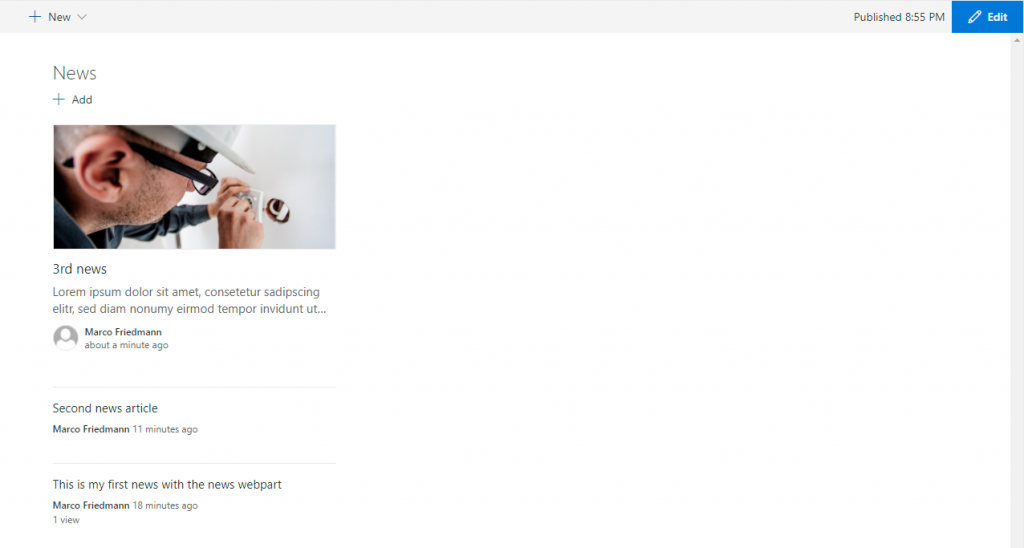 The rendering seems to be the same as in the two column layout. But if you include the same webpart in another column, it is rendered differently:
List
Side-by-side
Conclusion
The news teaser webpart offers many layout possibilities you can choose from when designing your page. In my next post, I will speak about combinations of the news teaser webpart and the hero teaser webpart.